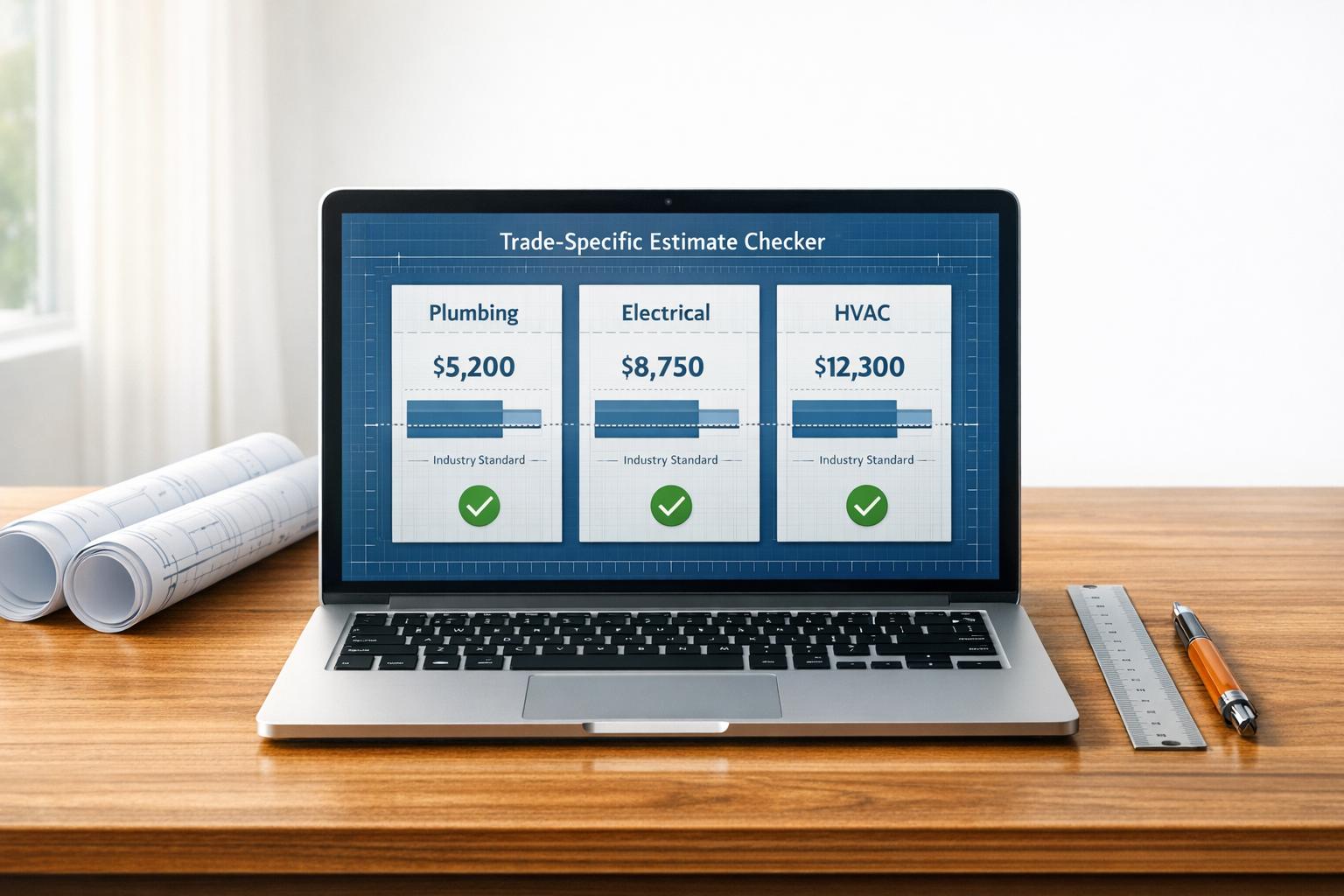
Trade-Specific Estimate Checker
Validate Your Trade Estimates with Ease
Running a specialized trade business like plumbing, electrical work, or HVAC installation comes with its fair share of challenges. One of the biggest? Crafting project bids that are competitive yet profitable. That’s where a reliable contractor estimate validation tool steps in. Designed specifically for tradespeople, this resource lets you cross-check your project costs against regional benchmarks, ensuring you’re not leaving money on the table or pricing yourself out of a job.
Why Benchmarking Matters for Contractors
Whether you’re installing a new heating system or wiring a commercial space, knowing how your numbers stack up can be a game-changer. A tool that compares your bid to industry standards offers clarity—helping you spot potential miscalculations before you submit a quote. Plus, it builds confidence with clients when you can back up your pricing with data-driven insights. Beyond just numbers, it’s about refining your process over time. For anyone in the trades, having access to a quick, user-friendly way to review project pricing is invaluable. It saves time, reduces guesswork, and keeps your business moving forward.
FAQs
How accurate are the industry benchmarks in this tool?
The benchmarks are based on aggregated data from trade associations and regional contractor reports. They’re meant to give you a general sense of where your estimate stands. Keep in mind, though, every project has unique factors—material costs, labor rates, or site challenges—that might push your numbers outside the average range. Use this as a starting point, not a final verdict.
Can I use this tool for multiple trades on the same project?
Absolutely! You can run separate checks for each trade involved in your project. Just select the relevant category—say, plumbing for one estimate and electrical for another—and input the specifics. It’s a handy way to break down a complex job and ensure each piece is priced reasonably against industry norms.
What if my estimate is way off the suggested range?
No worries—it happens! If your estimate is flagged as too high or low, take a second look at your inputs. Maybe you’ve accounted for premium materials or tricky site conditions the average doesn’t cover. The tool will show the percentage deviation, so you can decide if it’s justified or if you need to tweak your numbers. It’s all about helping you refine your approach.